

In the component tower we have a drawer called “tiny joystick”. In it is a joystick based on button behavior. Meaning it’s strictly on/off but you have four directions and a push action. The connections to use it is however a bit confusing.
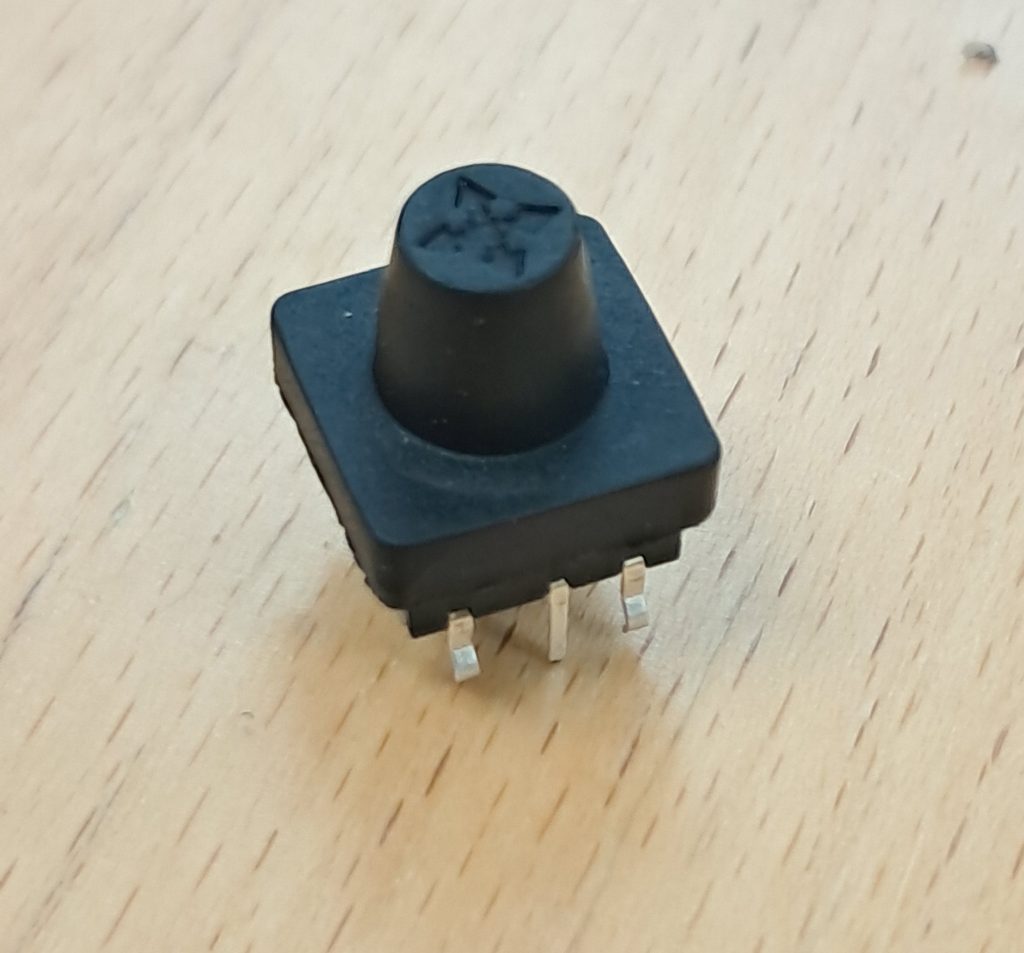
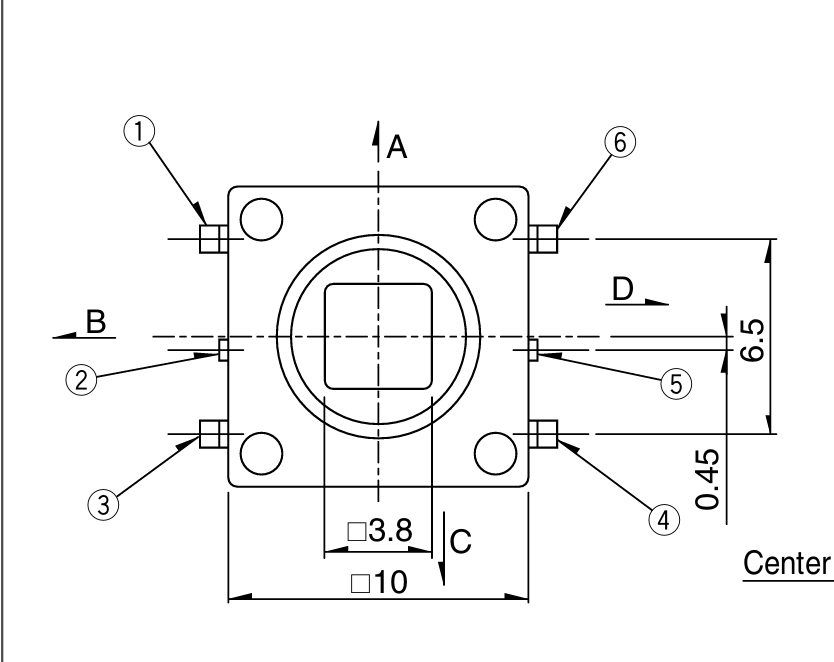
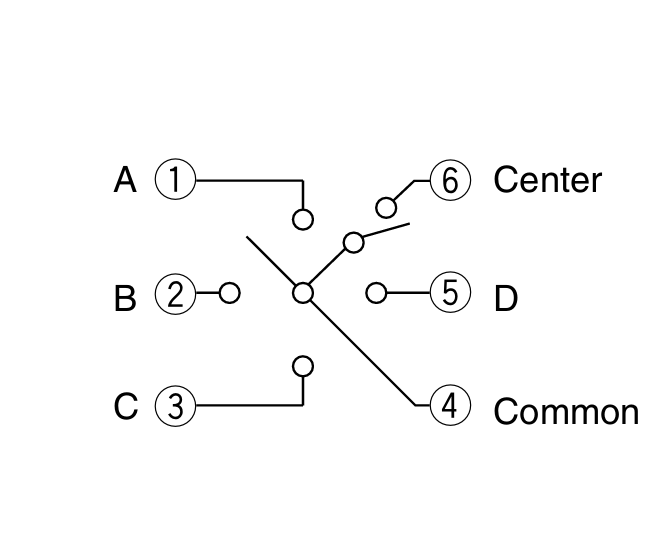
In the datasheet we can find that the legs of the joystick have numbers, and those numbers correspond to different inputs. The first image below is showing the joystick with its legs pointing away from us. In the next picture we can see that pin number four has the common connection that can be connected to ground or plus depending on what we’re making. When we then move the knob or push down on it, we will connect that pin four to the other legs, making things happen to whatever we have down the line.
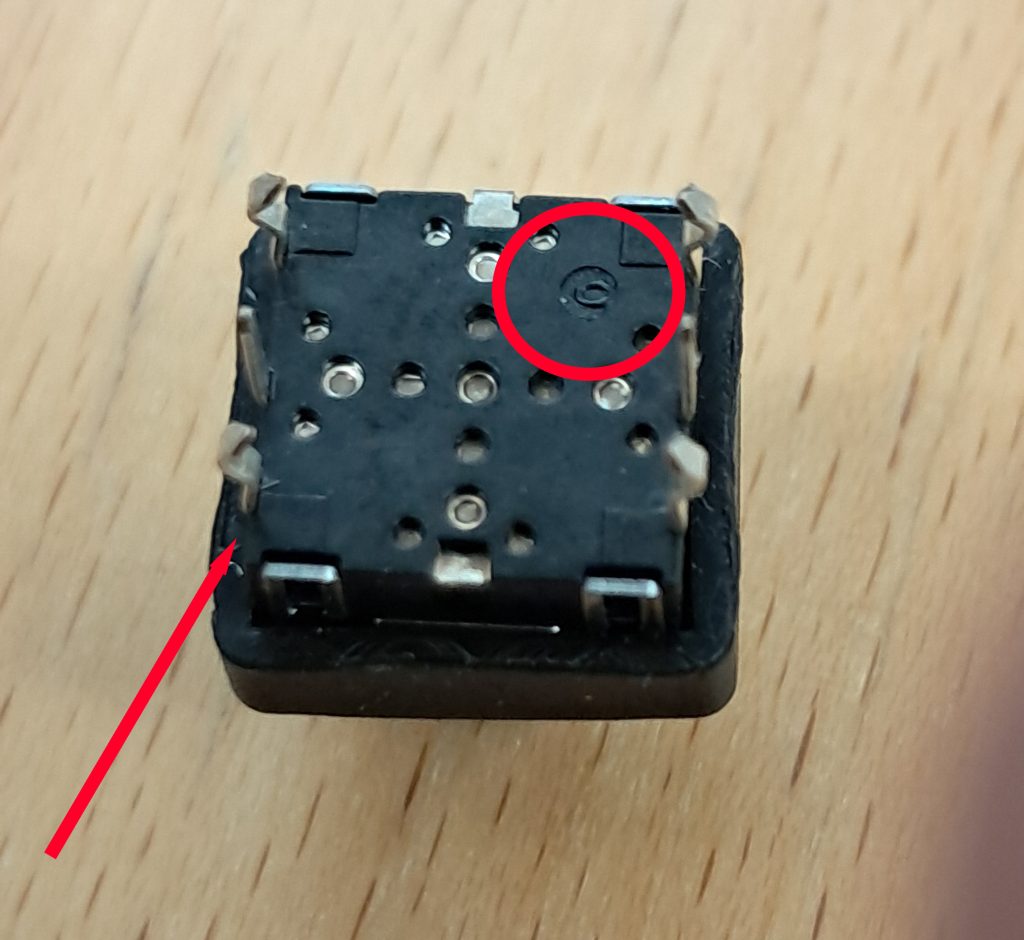
Annoyingly, the physical joystick doesn’t have a real clear indication of which leg is which. However, if you look at the back of it, you’ll notice one of the legs has a tiny symbol by it. That is pin 1. Which means that the common pin, pin 4 is diagonally across the component. That’s what gets connected to the other legs when you make interactions.